
How to Run Kimi as an Automated Coding Agent
You can now run the Kimi AI as an automated coding assistant. This guide shows you how to install the CLI and set up your API keys to get started quickly.
We show you how to use a Python wrapper to run commands automatically. This setup lets the AI handle coding tasks without you needing to interact with every single step.
These tools help you build and test code more efficiently. By using session memory and JSON streaming, you can keep the AI on track through longer development tasks.
Comments (0)
No comments yet. Be the first!
More AI news
 News
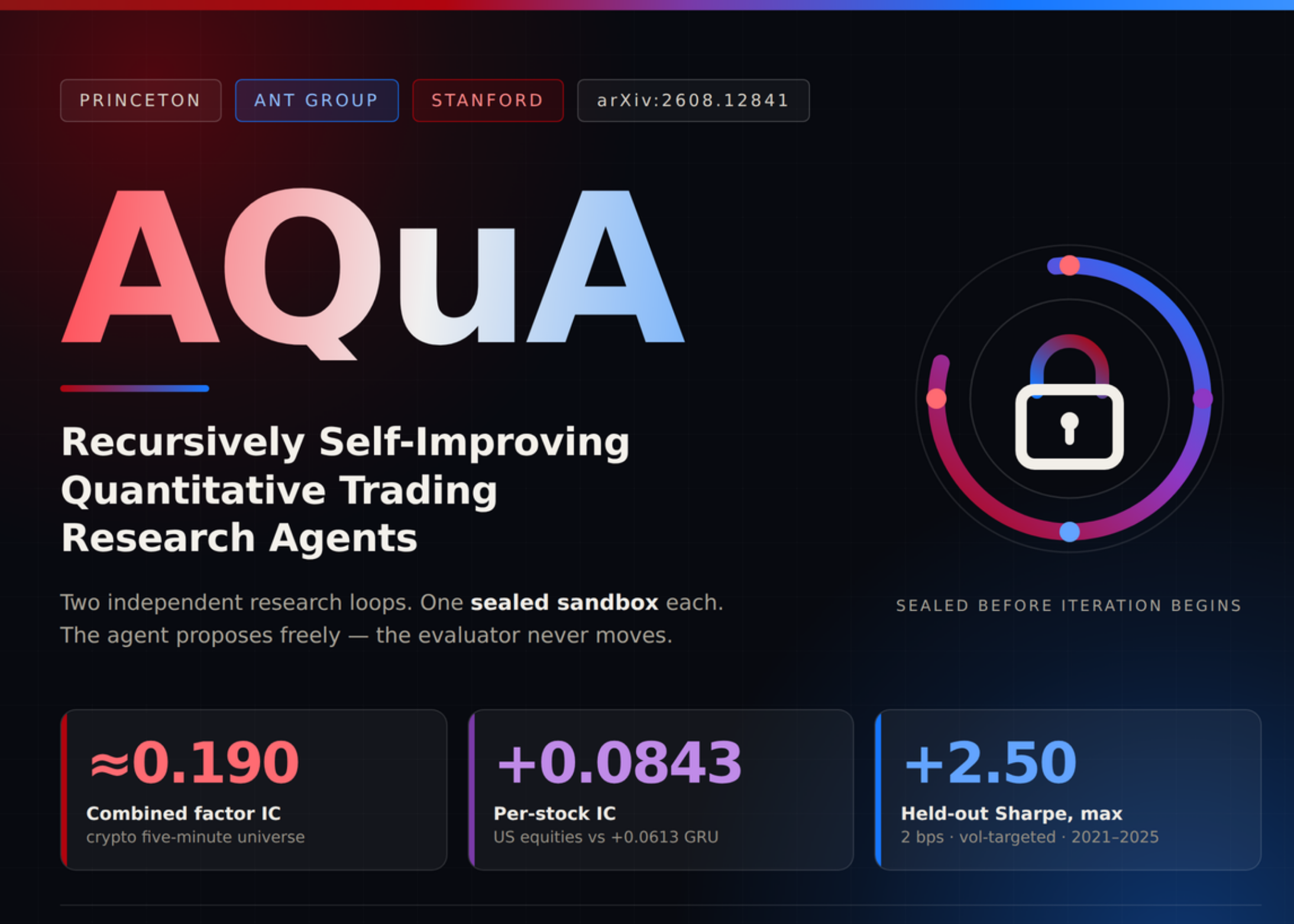
NewsNew AI Tool Fixes Mistakes in Financial Research
Researchers developed a new framework to stop AI from learning from its own bad data in financial trading models.
 News
NewsPerplexity adds local AI to Mac apps
The new update lets your Mac handle some AI tasks directly on your computer.
 News
NewsMeta Releases Muse Image Model on Fal
Meta has launched a new AI model on the Fal platform that plans and edits images on its own.